How to Copy a Course in MoodleUpdated 3 months ago
Instructions for Copying a Course in Moodle
Open the empty or destination course on your dashboard.
Under the course name, click the More tab and select Course reuse from the drop-down menu.

On the next screen, change the drop-down at the top-left to Import.
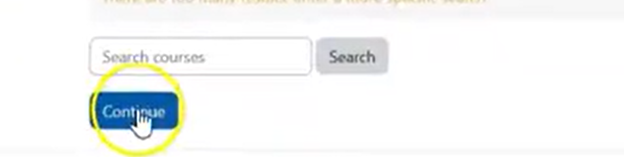
Under "Find a course to import," search for the name of the old course you wish to copy and click Continue.


Check the specific content types you want to include (e.g., Include activities and resources). Leave other settings like Include user data unchecked to ensure students and their past submissions don't copy over. Click Next.

Select or deselect individual files, topics, or resources as needed, and click Next again.

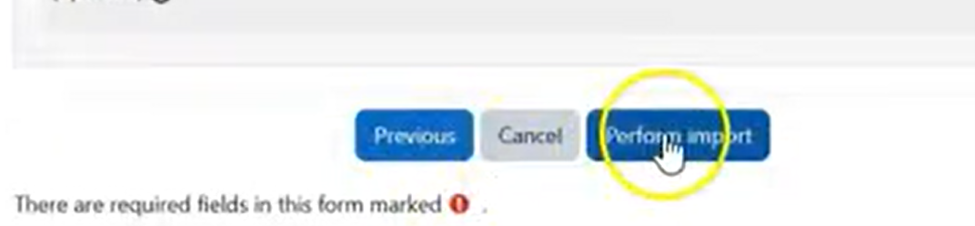
Review your selections and click Perform import.
Click Continue to Visit your new course
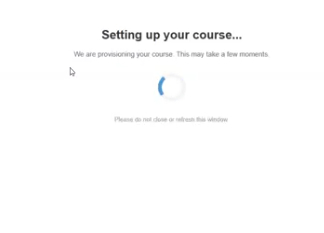
In the course, click on any activity to begin the auto provisioning process.