
Access DeniedUpdated 2 months ago
If you have an error that says "Access Denied" it is usually because of browser settings in Safari.
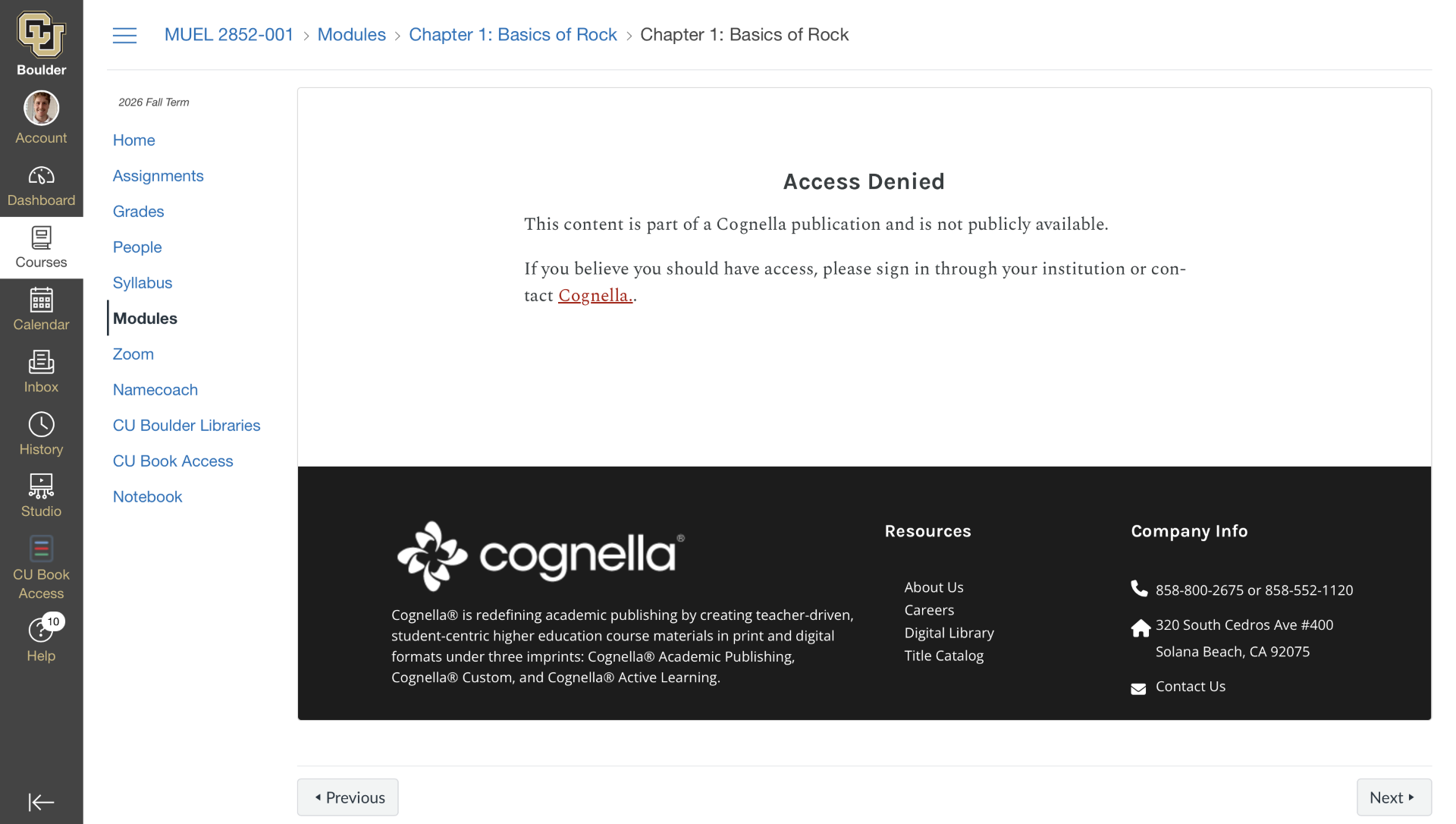 Example of Access Denied error
Try allowing cross-site tracking:
- Open Safari
- In the top left of the window, click Safari
- Settings > Privacy > Website tracking
- Uncheck “Prevent cross-site tracking”
- Here is a video to walk through these steps: Prevent Cross-site Tracking Video
Or allow third-party cookies:
- To allow third-party cookies
- Go to Safari settings > Privacy & Security
- Check Standard protection
- Here is a video for the steps in Safari: Prevent Cross-site Tracking Video
If these steps do not work, there may be a problem with the courseware setup that our IT team needs to troubleshoot with your professor. Please send us a screenshot of the error message including the URL of the webpage, and details of your course including the name of your school, name of your professor, and the name of your course. Send an email to [email protected].